Overview
Problem
Back in 2023, Pinterest didn't yet have a unified approach to motion design, which led to inconsistent transitions across the product.
Challenge
Building motion system from scratch
Making motion visible as system, not decoration
Scaling across teams while staying flexible
Solution
To address this, we developed the Motion Design System and Guidelines integrated into the Gestalt Design System, providing clear principles, scalable patterns, and actionable specifications for product teams.
Design process
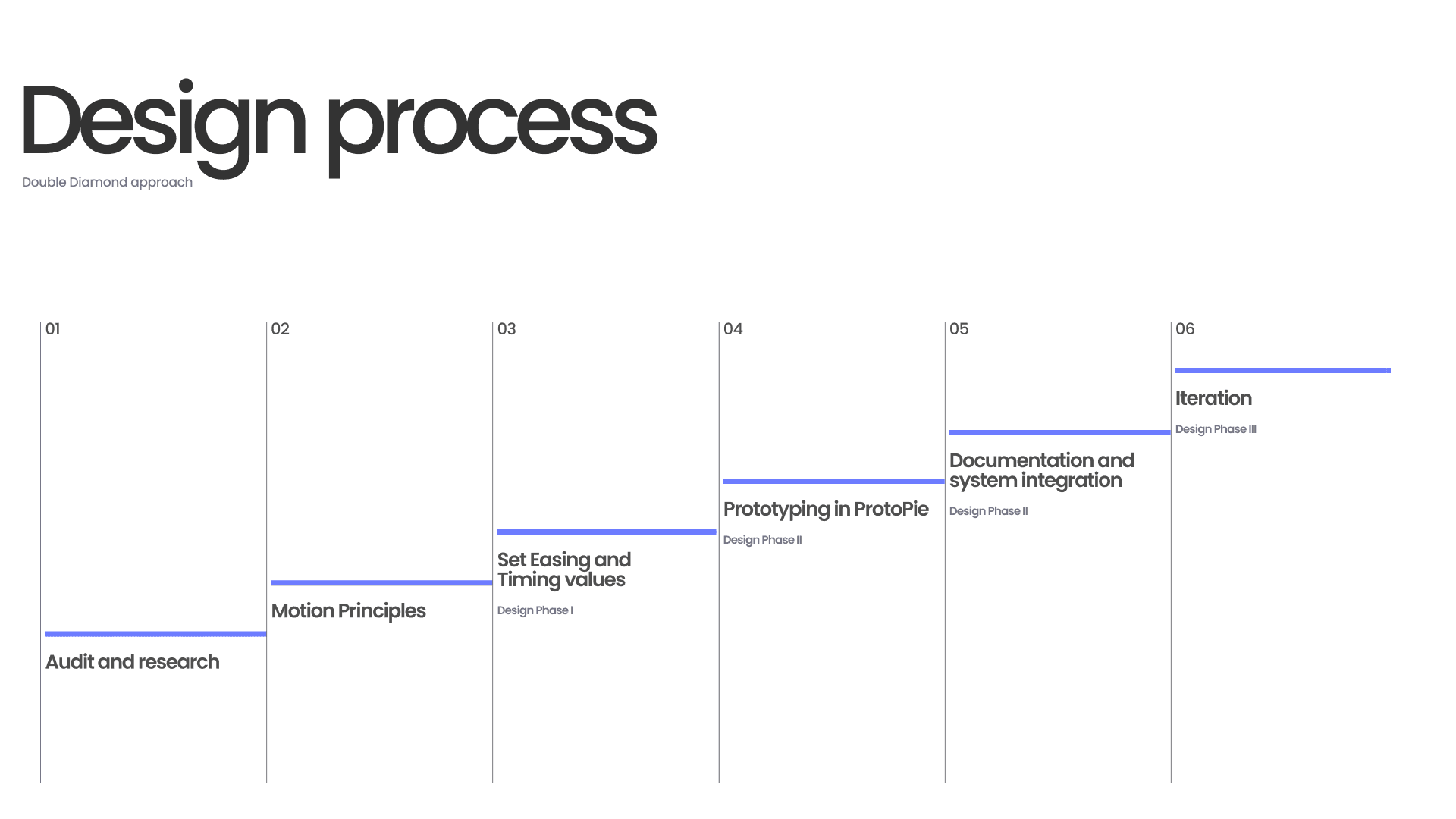
Audit
Reviewed industry references for motion patterns.
Reviewed key transitions and animations across Pinterest app.
Created database and documented every UI element with motion and without.
Following the audit, we created an inventory of which components had motion and which didn’t to ensure a clear starting point for defining motion principles.
Looking back, I'd document every single UI element with motion, not just key transitions. A centralized reference would have made future iterations and implementation faster.
Motion Principles
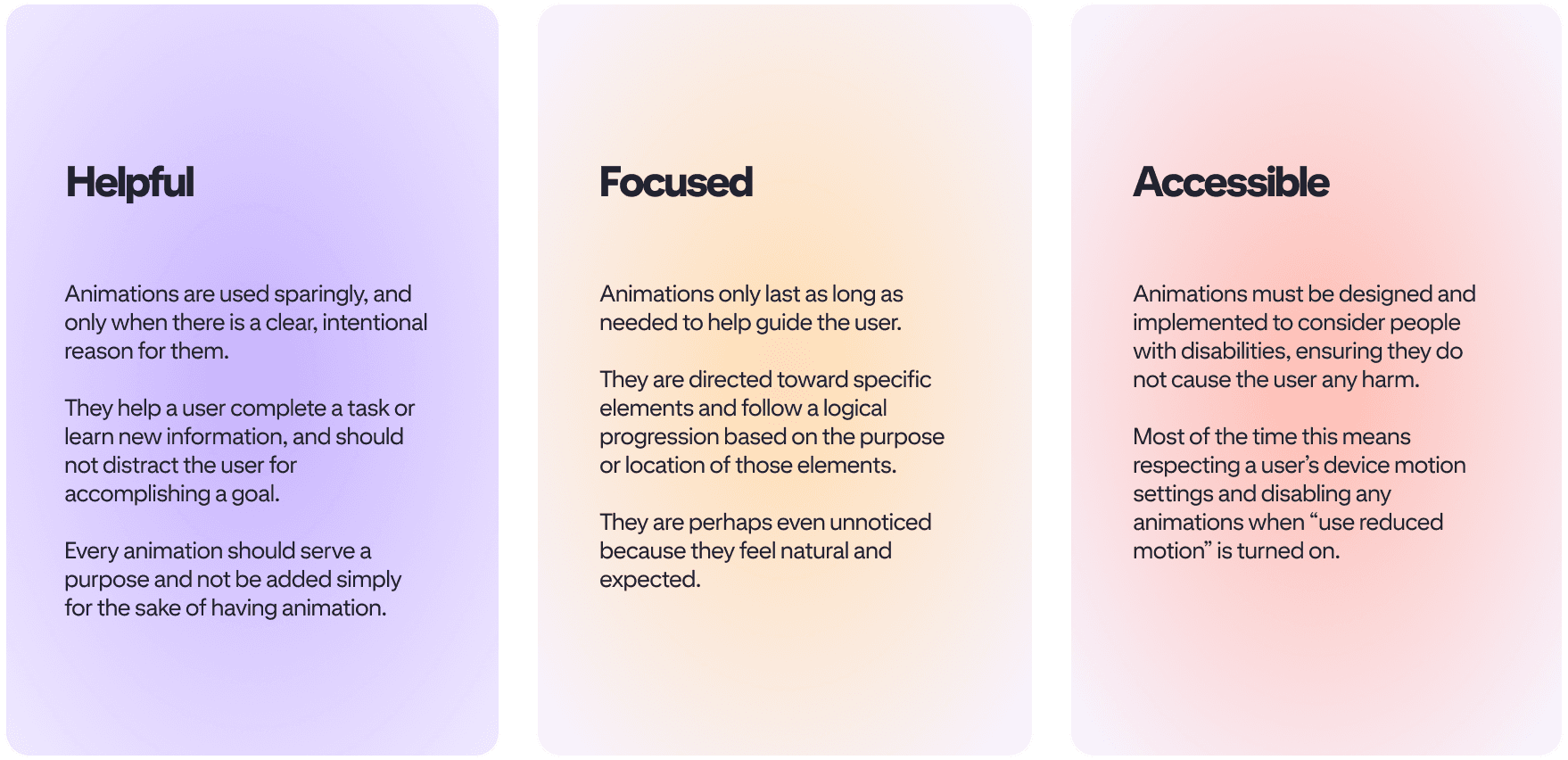
To ensure a consistent and meaningful motion experience, 3 core principles were defined.
I participated in workshops where these principles were shaped, and later used them as a foundation for component-level motion specs.
Set Easing and Timing values
We defined a set of universal easing curves and timing values to create a seamless and cohesive experience across different transitions.
Prototyping in ProtoPie
ProtoPie was used for prototyping. It allowed building shared libraries across teams, which made it possible to create interactive prototypes for validating motion behavior before implementation
These prototypes helped us refine easing, timing, and behavior, allowing us to gather stakeholder feedback and iterate quickly before system-wide implementation.
Documentation and system integration
Once finalized, motion components were integrated into the Gestalt Design System, with detailed specifications and examples for designers and developers.
Also, detailed specifications were written and examples for developers and designers.
Motion accesibility
Considered providing options to disable or adjust the Motion.
Ensured that Motion does not interfere with the user’s ability to use the product.
What I learned
Systems Are Built Together
This project reinforced the importance of collaboration between product designers, motion designers, and developers to create a scalable and cohesive design system.
Principles Before Designs
It also highlighted the value of well-defined principles. I learned to balance the technical and creative aspects of motion design, ensuring that each transition felt natural, intuitive, and aligned with Pinterest’s design principles.
ONGOING WORK
Motion Guidelines and System continue to evolve as the product grows. New transitions and micro-interactions are added over time to refine the experience.
Thank you for reading.